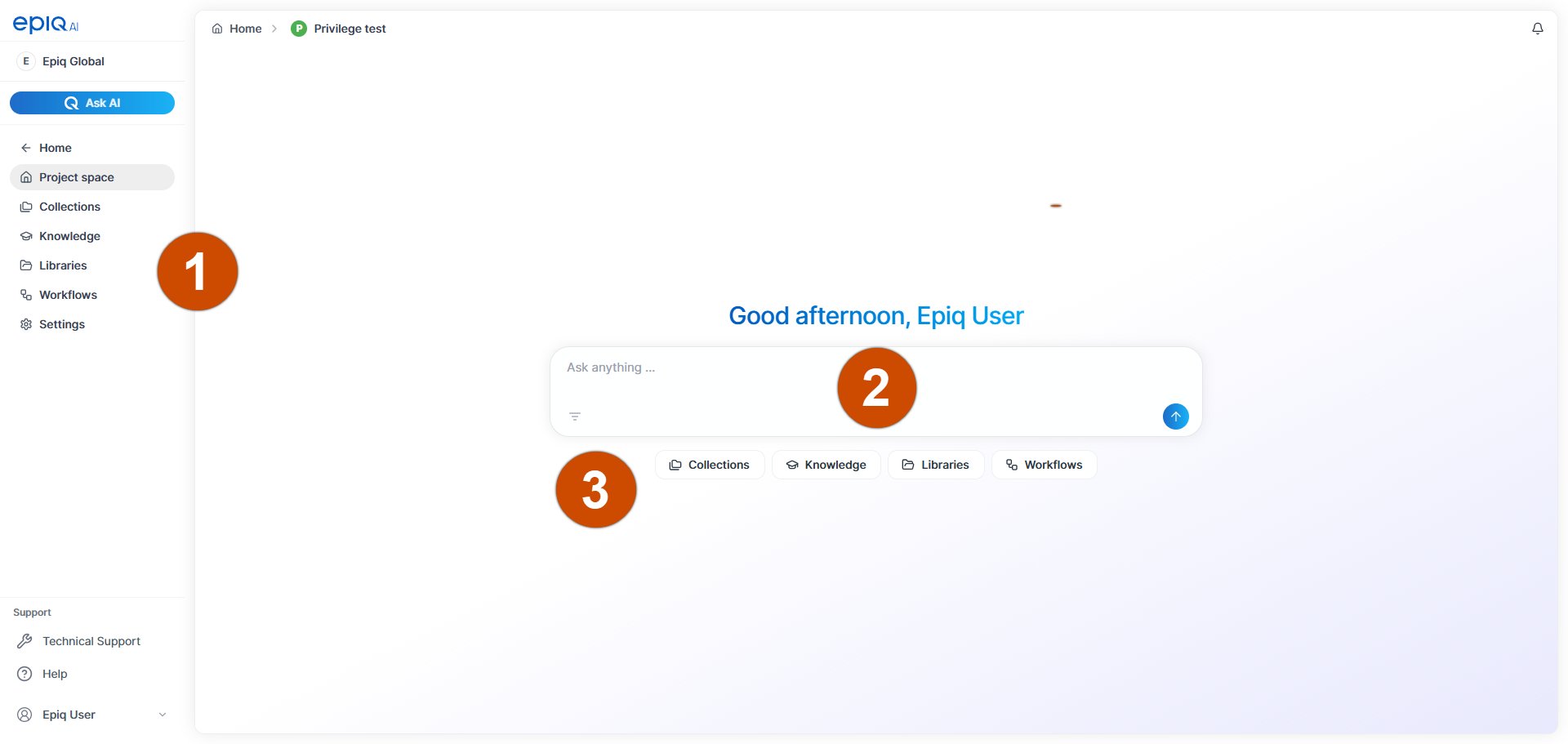
When you select a project from the breadcrumb menu or from Recent Projects on the Home page, you land in the project space. The project space is the top level of a project and gives you access to all components it contains.Use the project space to move between collections, knowledge, libraries, workflows, and project settings. You can also start a conversation with Ask AI based on the documents in your project.
Number
Name
Description
Project space menu
The main menu for project actions.
Collections
Go to the collections that are part of the project.
Knowledge
Go to the project’s knowledge layer that contains information about persons and organizations.