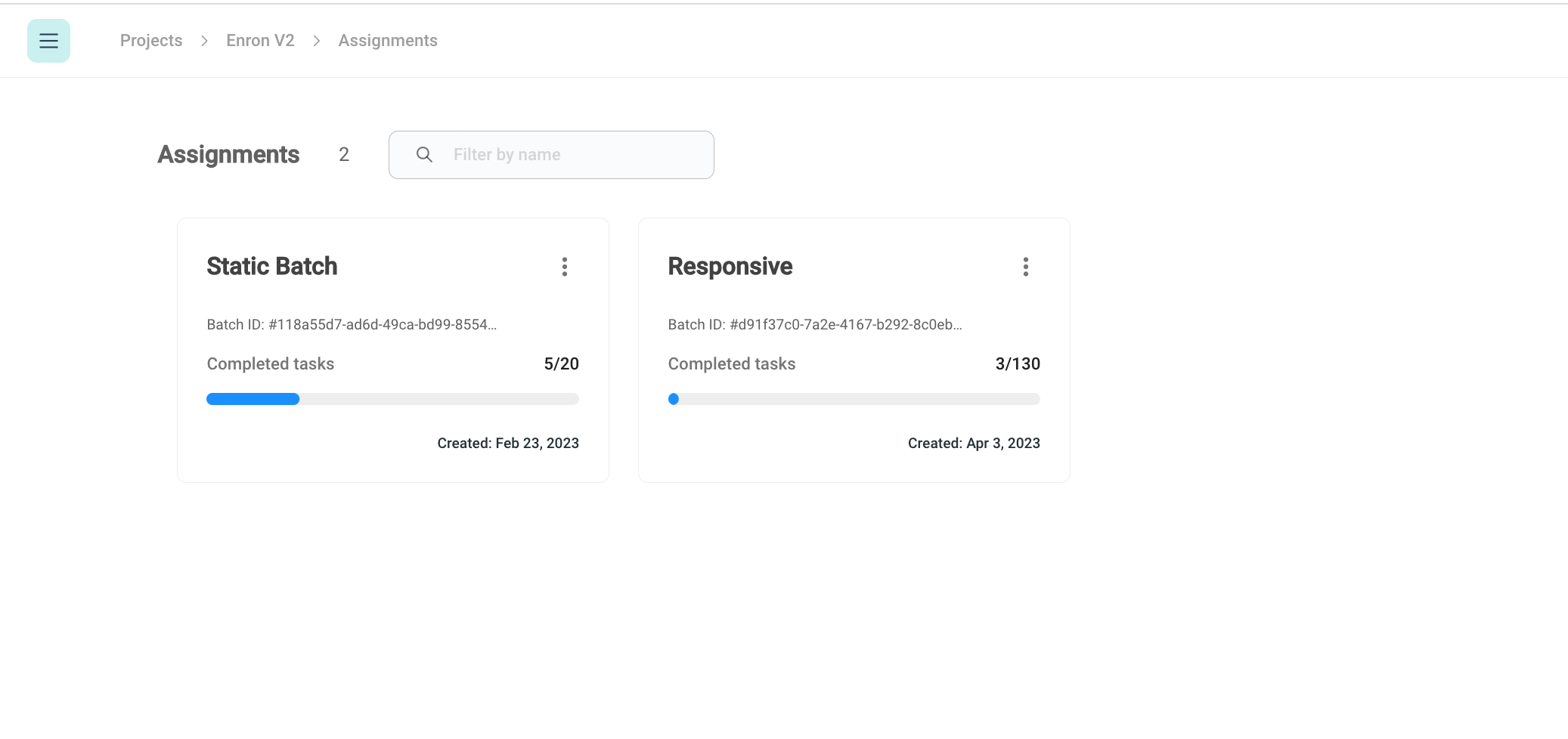
Assign documents to reviewers
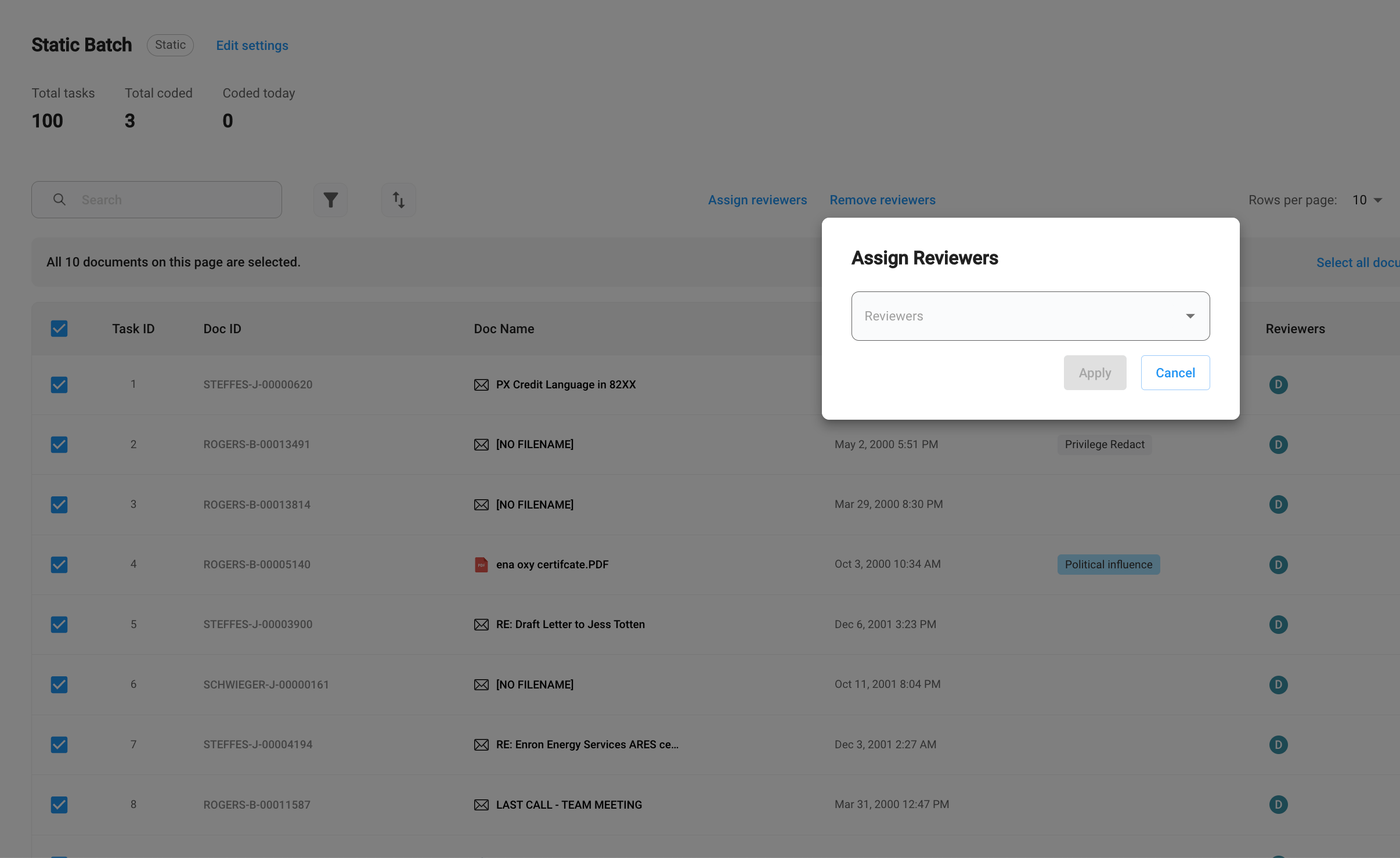
After a batch is created, reviewer managers can select a specific set of documents and assign them to an existing reviewer or a new reviewer. To assign documents, click on the documents that you want to assign, and then clickAssign reviewers.
Self-assign documents
For a dynamic batch, reviewers can always request new tasks once they finish the existing batch. To request more documents, clickSelf assign tasks
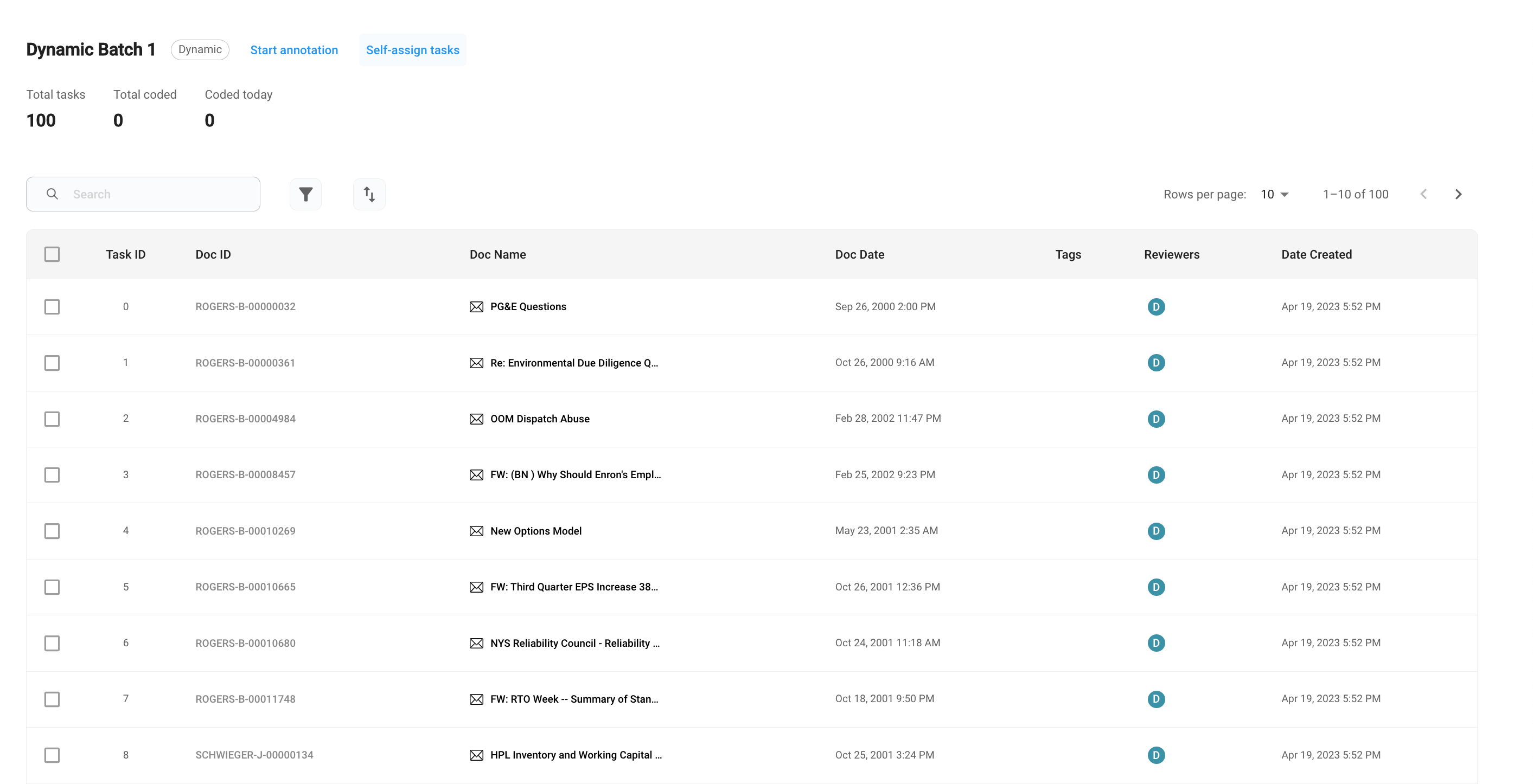
Start annotation.