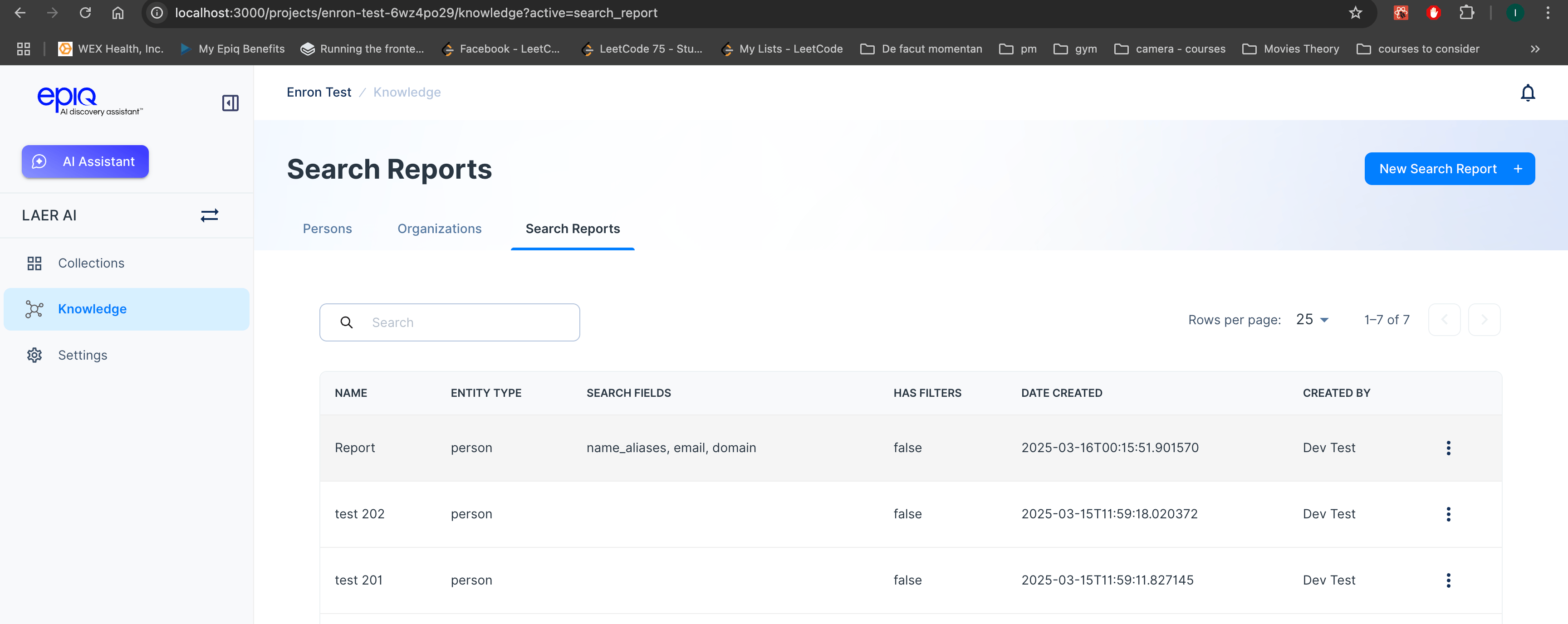
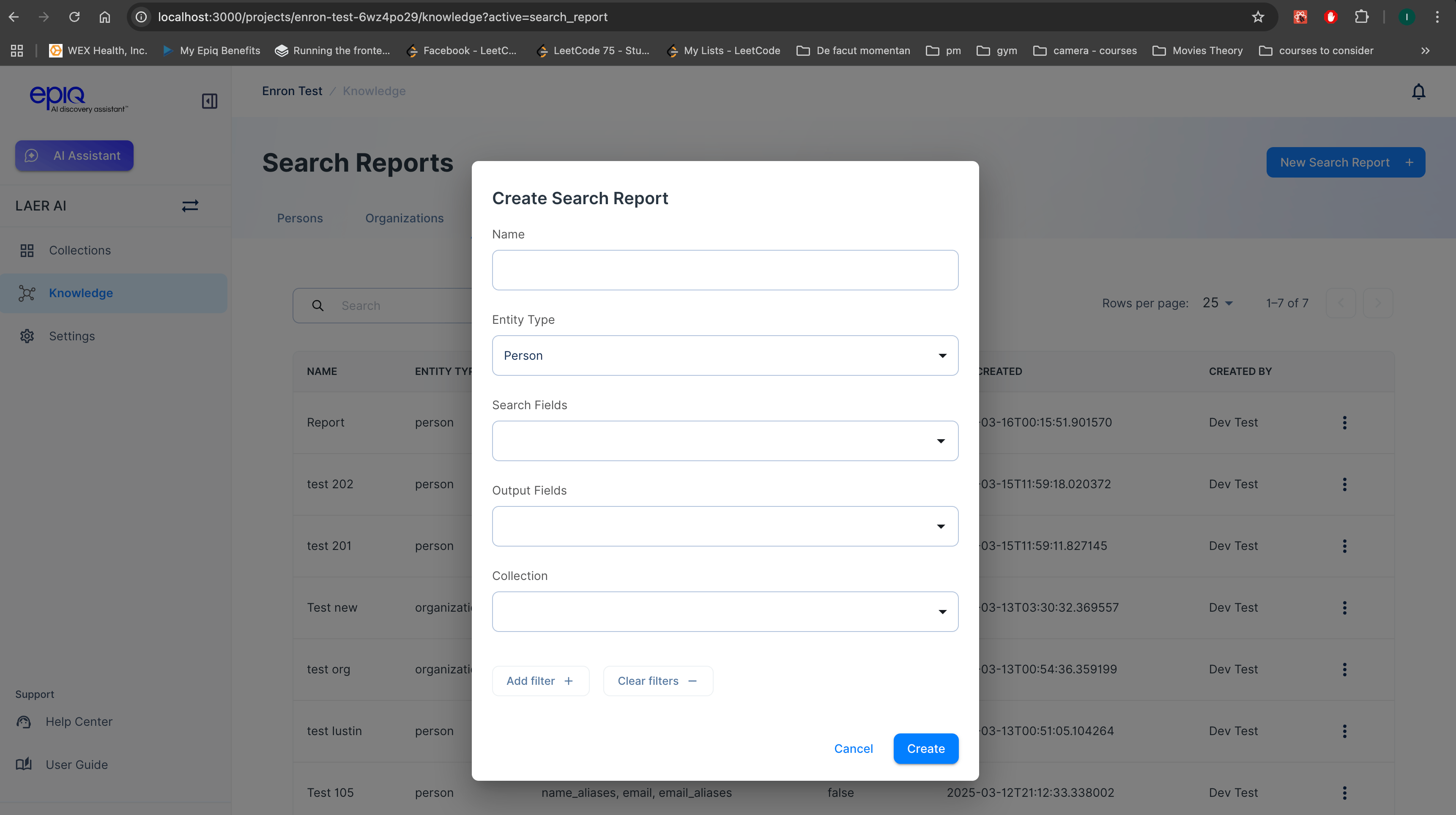
- Entity Type
Users can specify whether they are searching for Persons or Organizations. - Search Fields
Define which attributes to query within the dataset (e.g., email, domain, etc.). - Output Fields
Select the fields to be displayed in the generated report. - Collection
Choose the dataset or collection of documents to search within, refining the scope of analysis. - Filters
Apply specific filters to narrow down the search results based on predefined conditions.
Reviewing Search Reports
Once a Search Report is generated, users can view the results in a structured table format. The report dynamically presents entity information based on the specified columns, making it easy to analyze key insights at a glance. Each entity in the report includes a count of unique documents in which it appears within the selected collection. This allows users to gauge the prevalence of an entity within their dataset and assess its significance.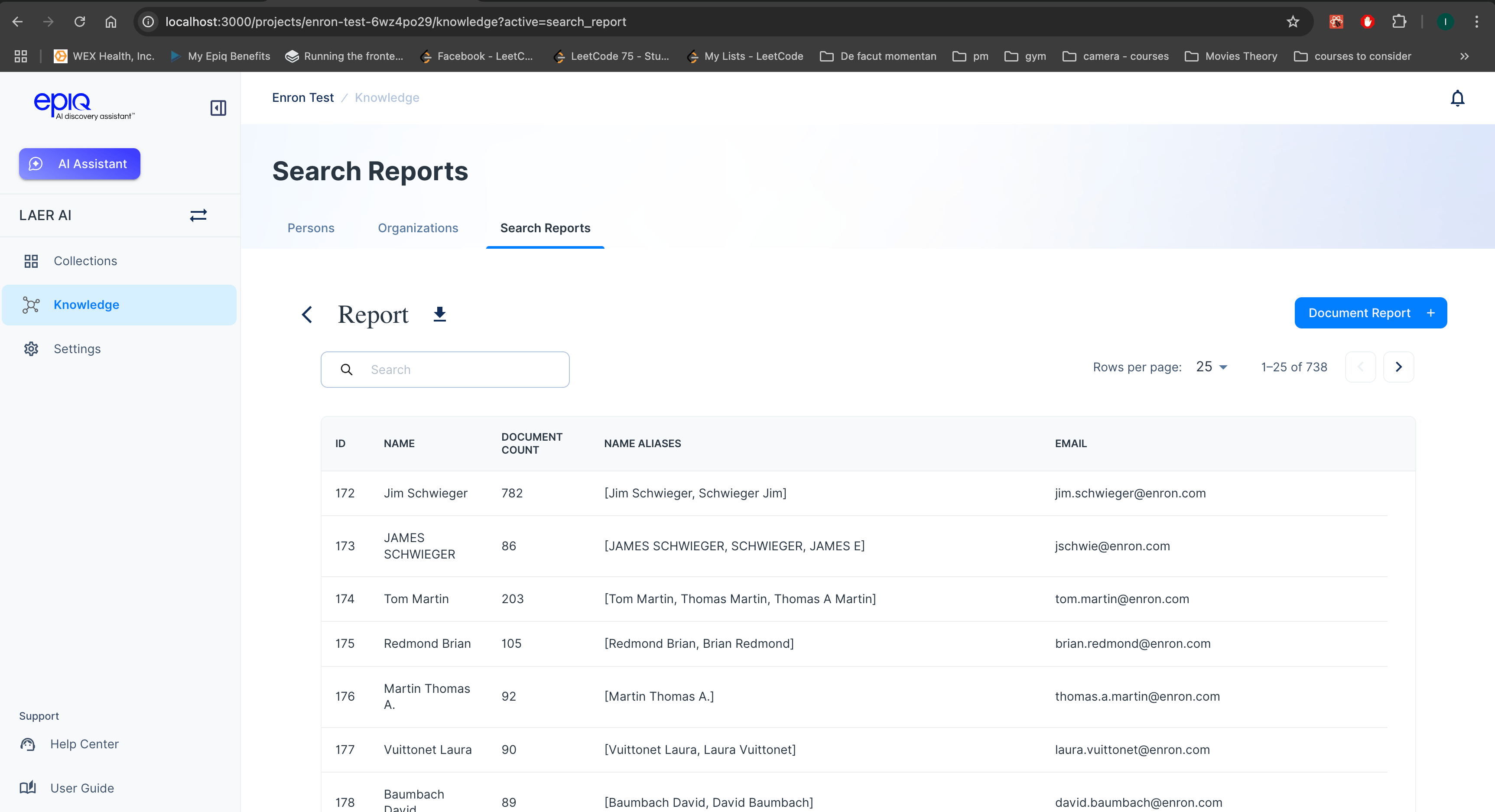
- Download the report as a file for offline analysis.

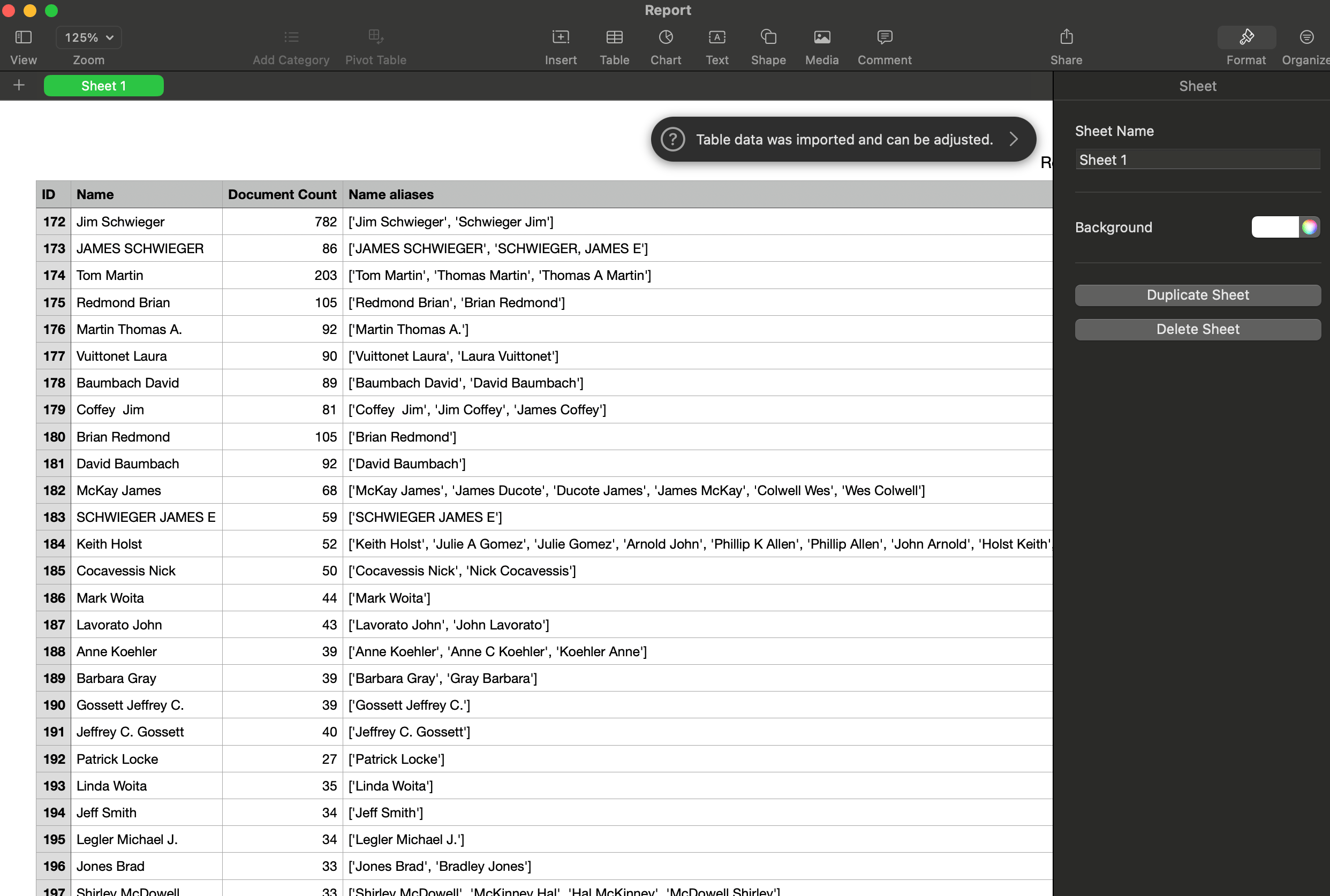
- Generate a Document Report, which provides an entity breakdown per document.
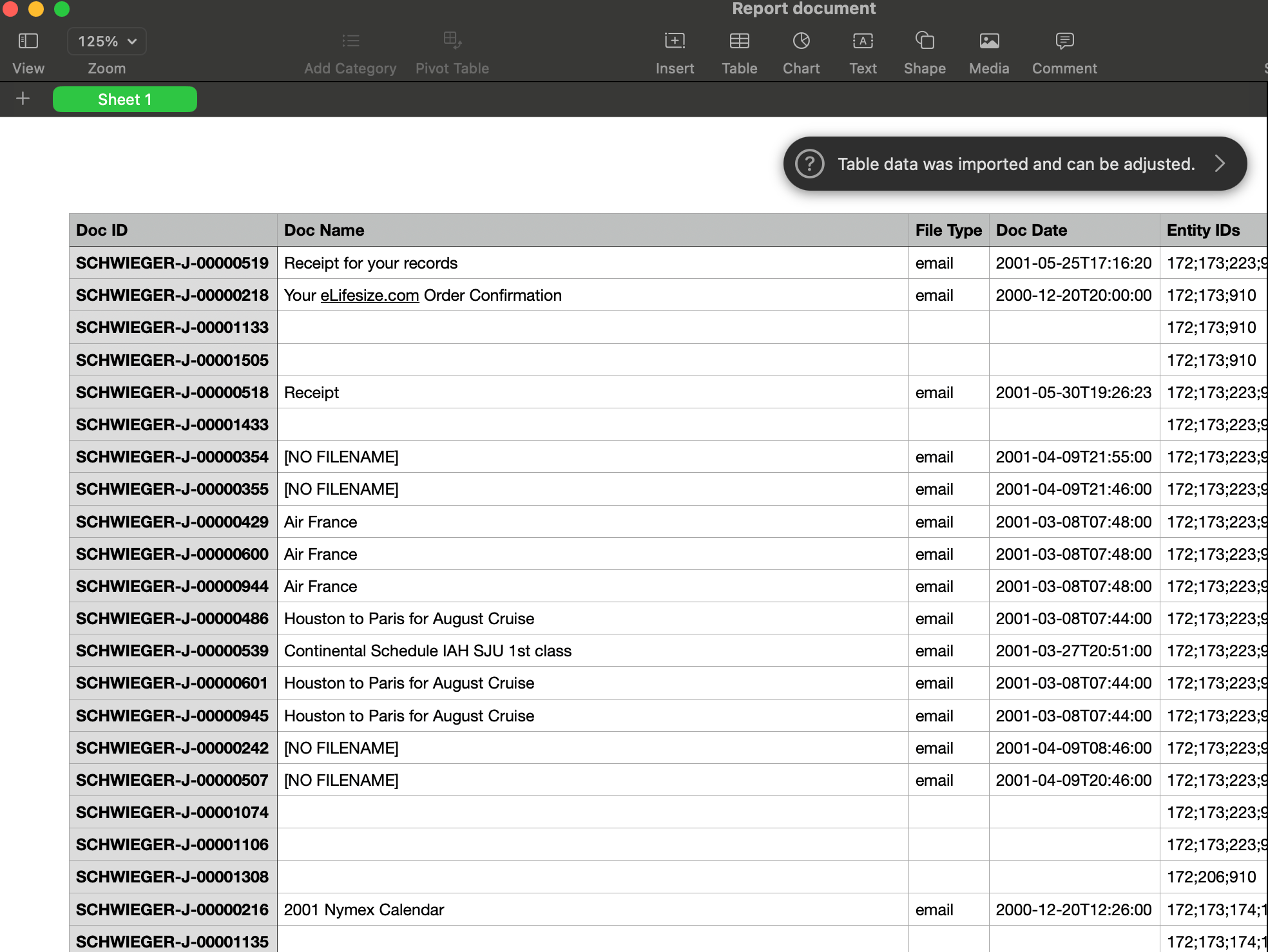
Document Report Feature
Within the Search Report interface, users have the option to generate a Document Report.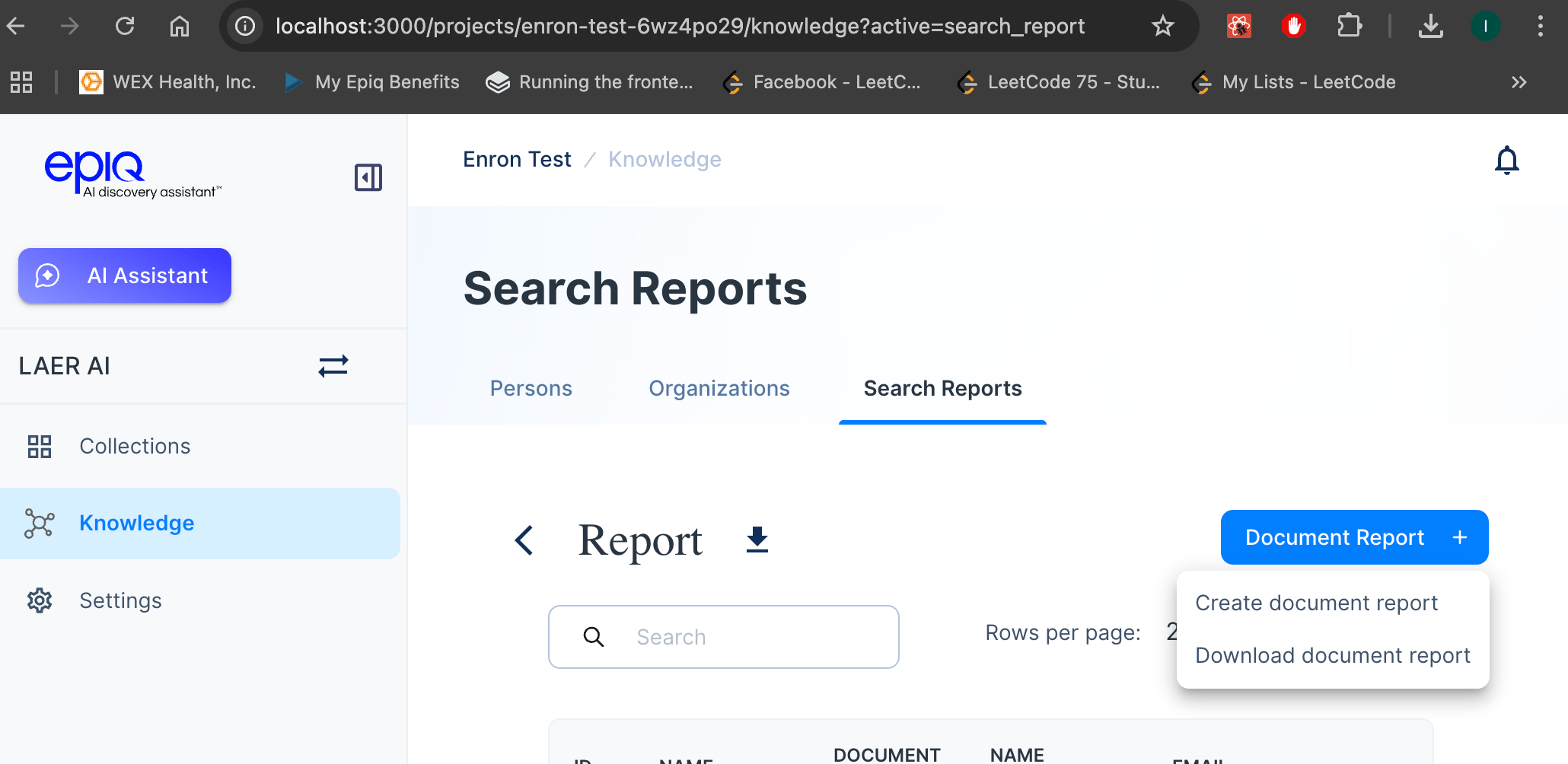
- A per-document breakdown of entities detected.
- A downloadable format for deeper analysis.