> ## Documentation Index
> Fetch the complete documentation index at: https://labs.laer.ai/llms.txt
> Use this file to discover all available pages before exploring further.
# Document search
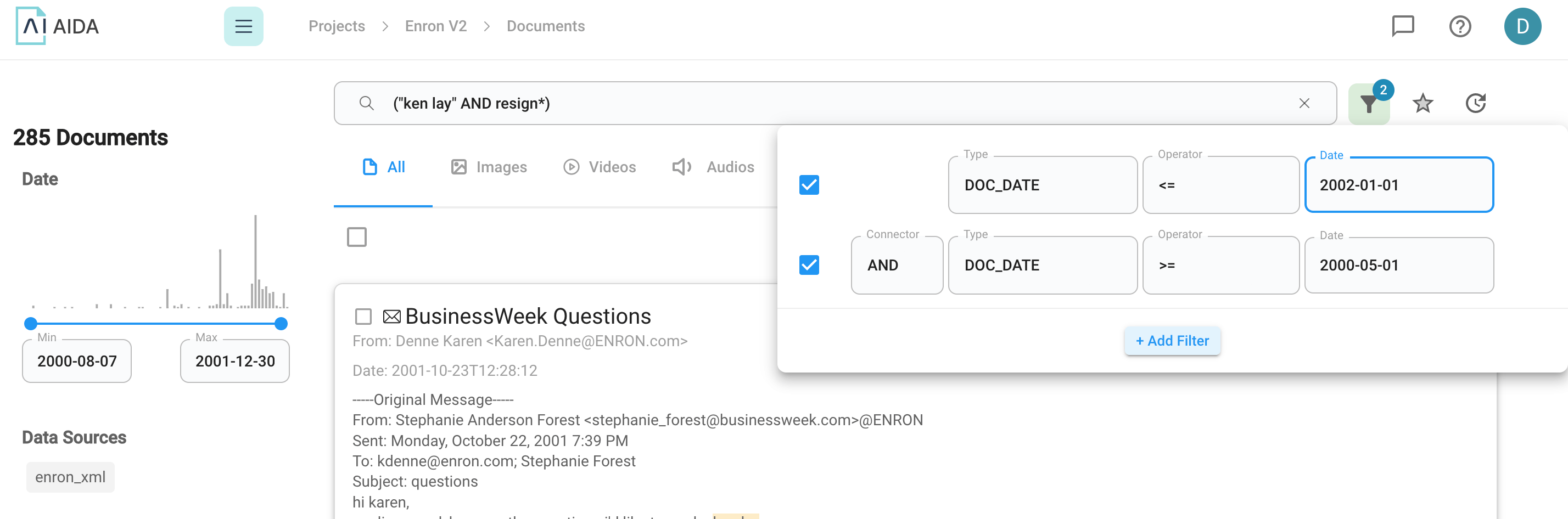
Epiq AI has incorporated versatile search capabilities that streamline the document review process. It supports both Boolean search, natural language search, as well as structured search filters.
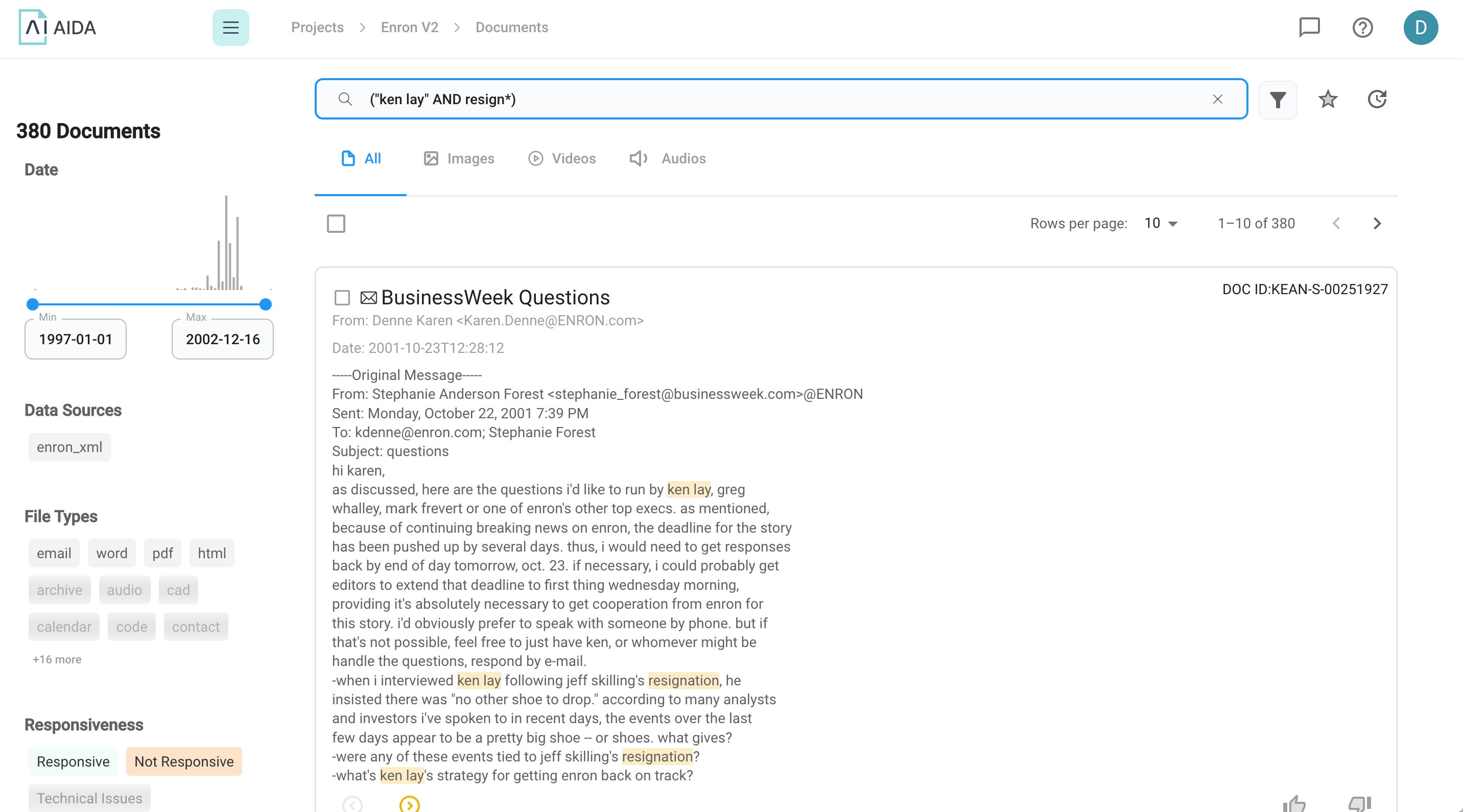
## Boolean search
For Boolean search queries, Epiq AI supports two types of query syntax:
* #### [Lucene](/product-guides/search/document-search/lucene)
* #### [dtSearch](/product-guides/search/document-search/dtsearch)
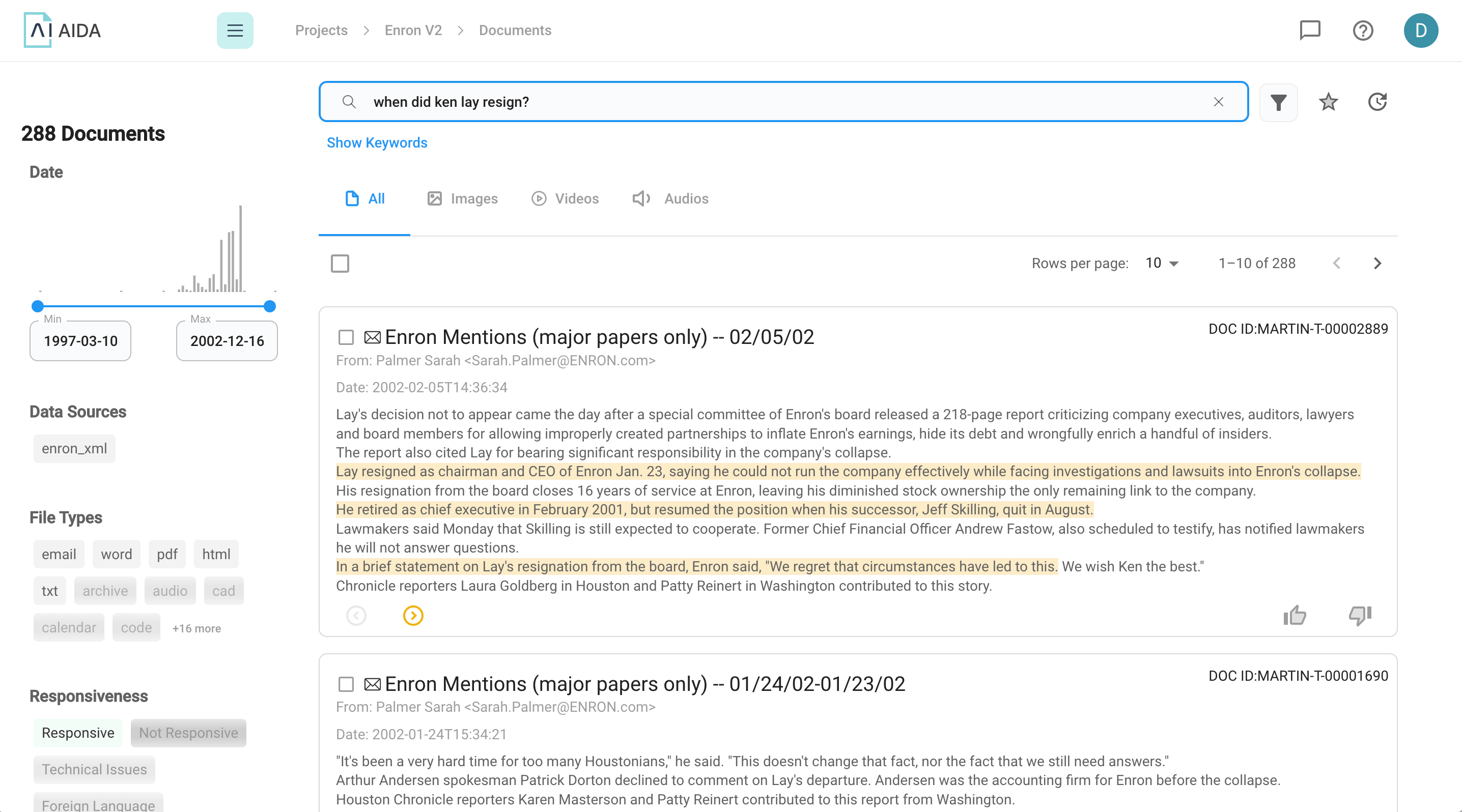
 ## Natural language search
Any query that is longer than 5 tokens\* and does not contain any Boolean operators will be treated as a natural language query.
## Natural language search
Any query that is longer than 5 tokens\* and does not contain any Boolean operators will be treated as a natural language query.
 \*1 token \~= 4 chars in English, 1 token \~= ¾ words
## Search Filters
\*1 token \~= 4 chars in English, 1 token \~= ¾ words
## Search Filters