> ## Documentation Index
> Fetch the complete documentation index at: https://labs.laer.ai/llms.txt
> Use this file to discover all available pages before exploring further.
# Datasets
You can create different views of your corpus by creating datasets. Datasets can help you focus on a specific set of documents. They can be used in creating review batches and creating models.
## Create a dataset
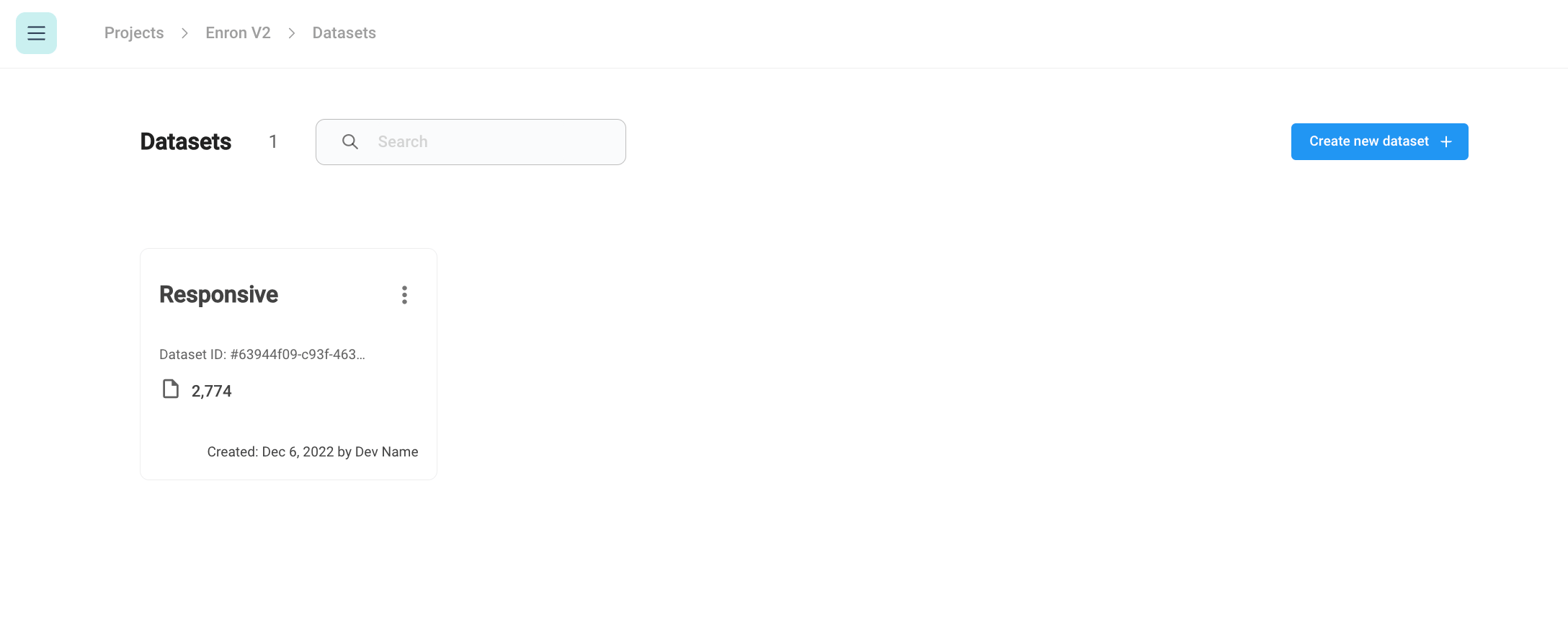
To create a new dataset, navigate to the *Datasets* section of the menu and then click the *Create new dataset* button*.*
 #### Create a dataset from search filters
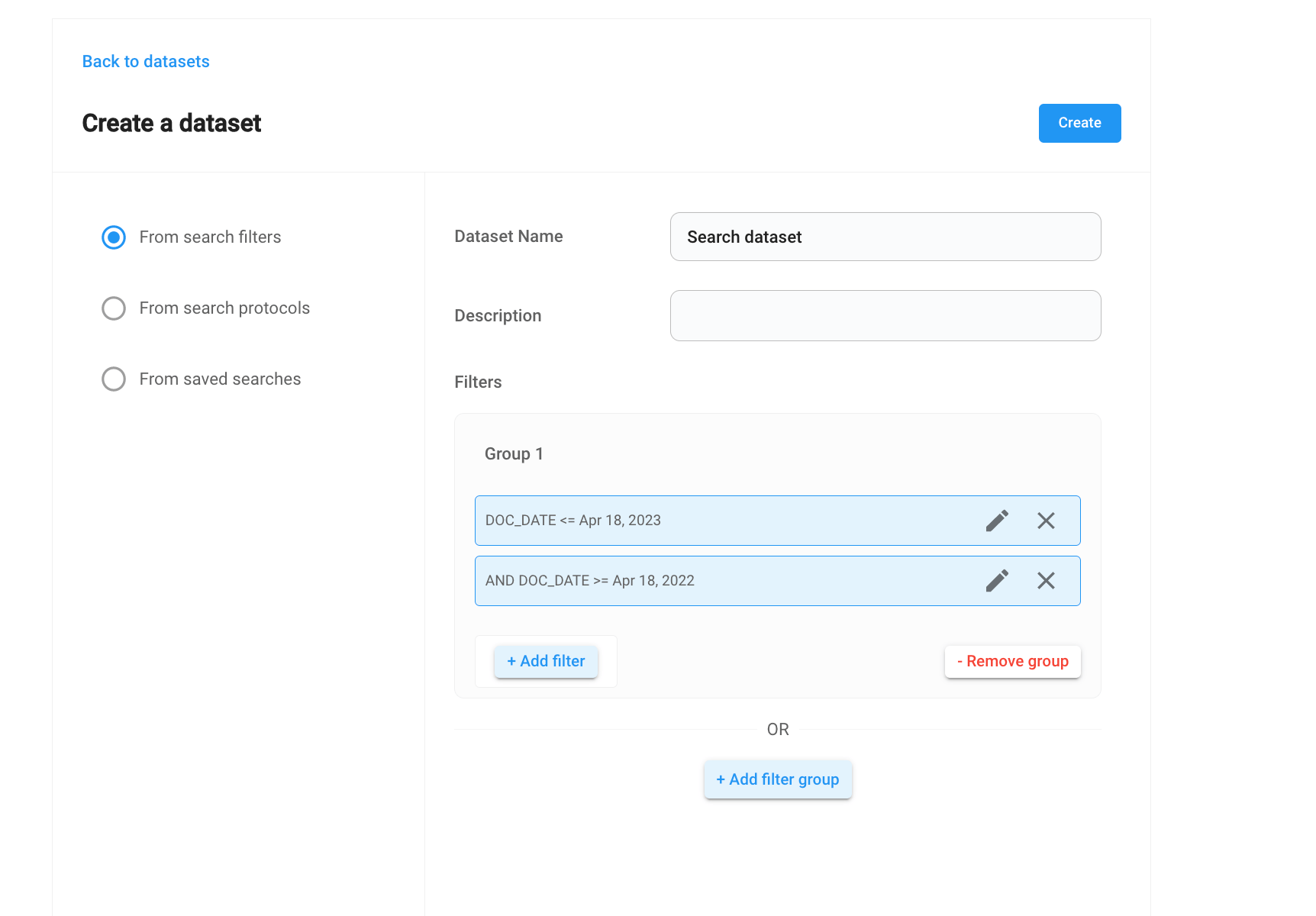
You can create a dataset by applying a set of search filters. Similar to the search filters in the document search page.
#### Create a dataset from search filters
You can create a dataset by applying a set of search filters. Similar to the search filters in the document search page.
 #### Create a dataset from a search protocol
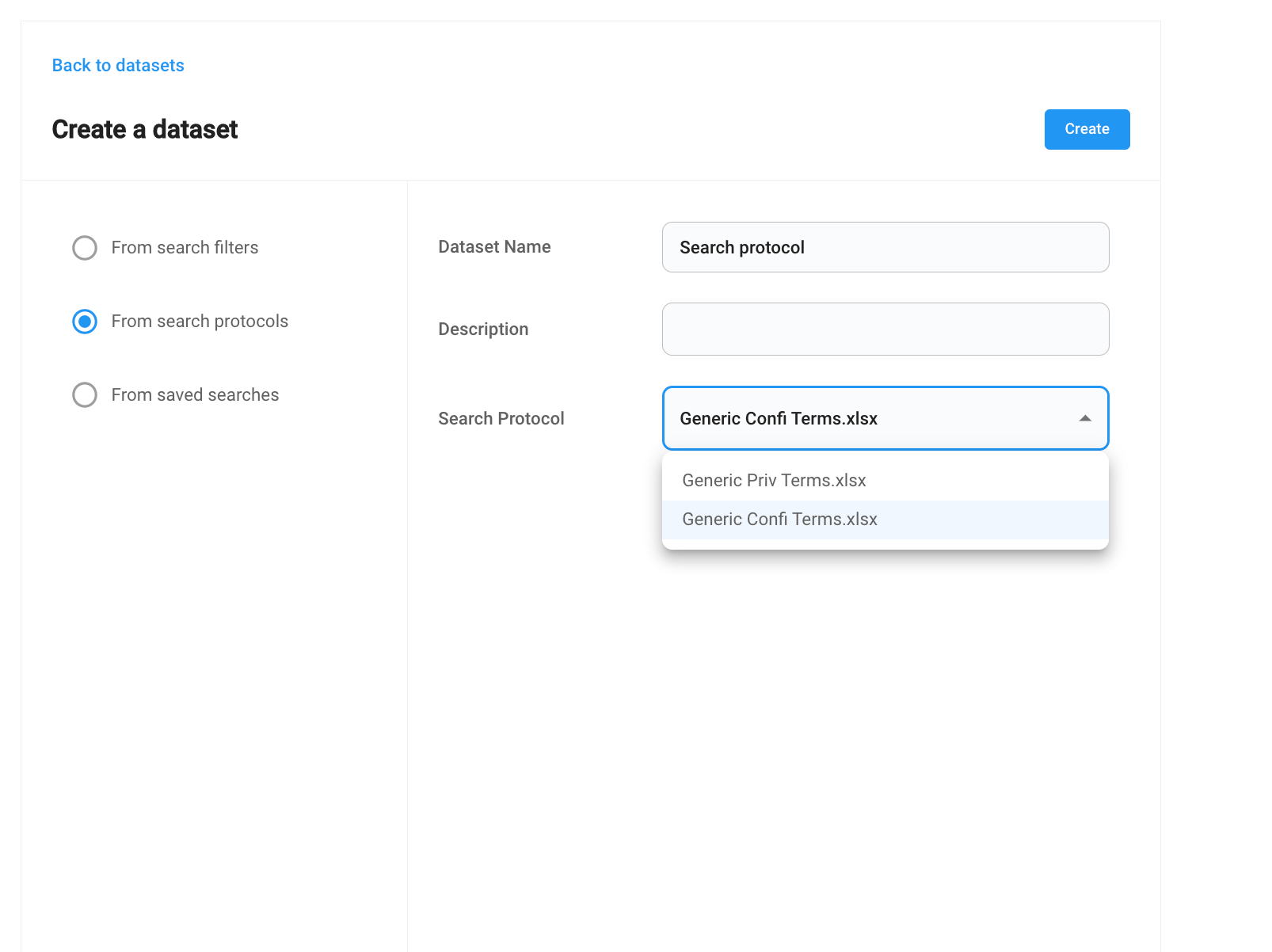
You can also create a dataset from an existing search protocol. A search protocol is a group of search terms. See [search-protocols.md](/product-guides/project-management/search-protocols).
#### Create a dataset from a search protocol
You can also create a dataset from an existing search protocol. A search protocol is a group of search terms. See [search-protocols.md](/product-guides/project-management/search-protocols).
 #### Create a dataset from a saved search
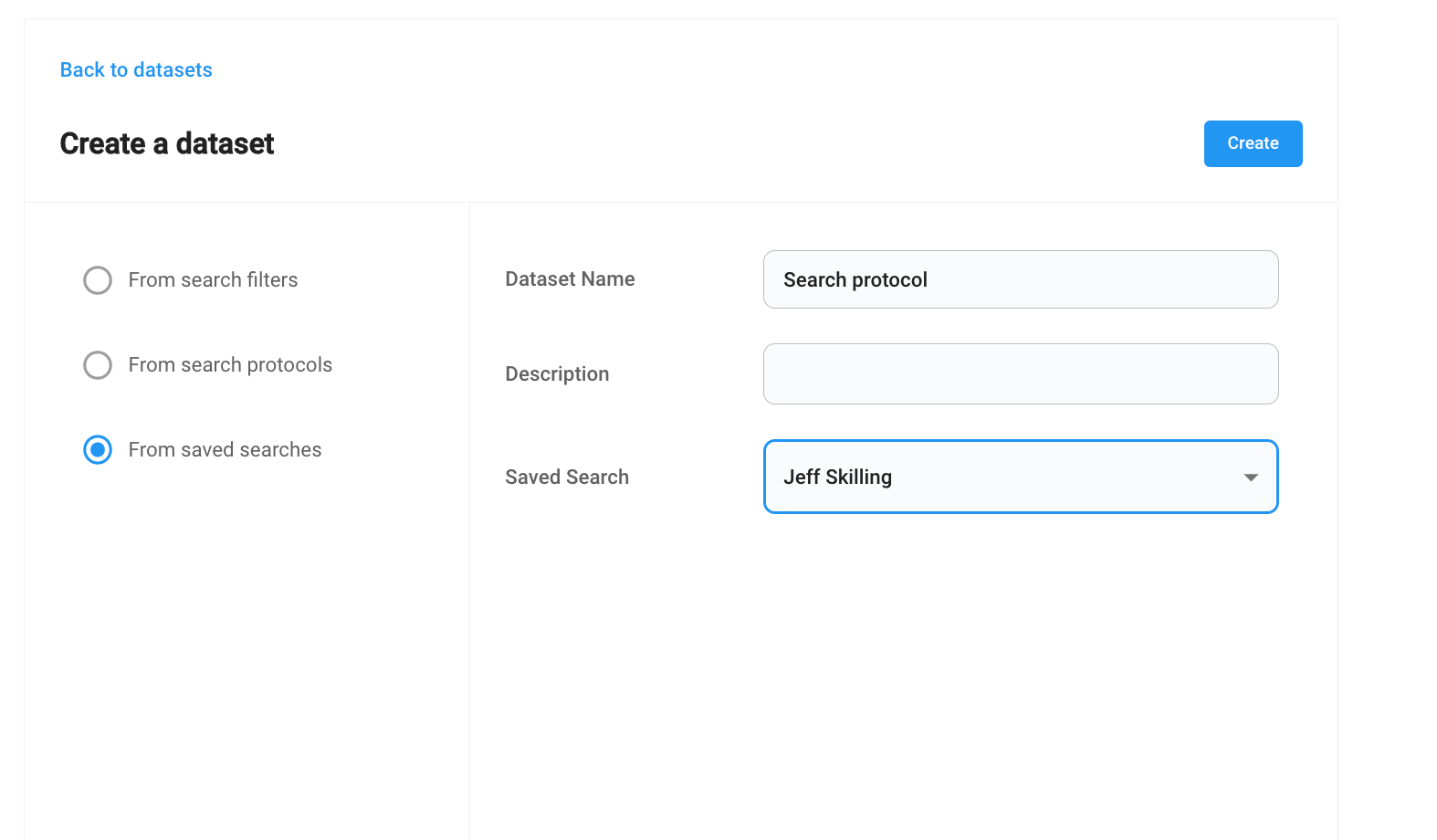
You can also create a dataset from a saved search.
#### Create a dataset from a saved search
You can also create a dataset from a saved search.